

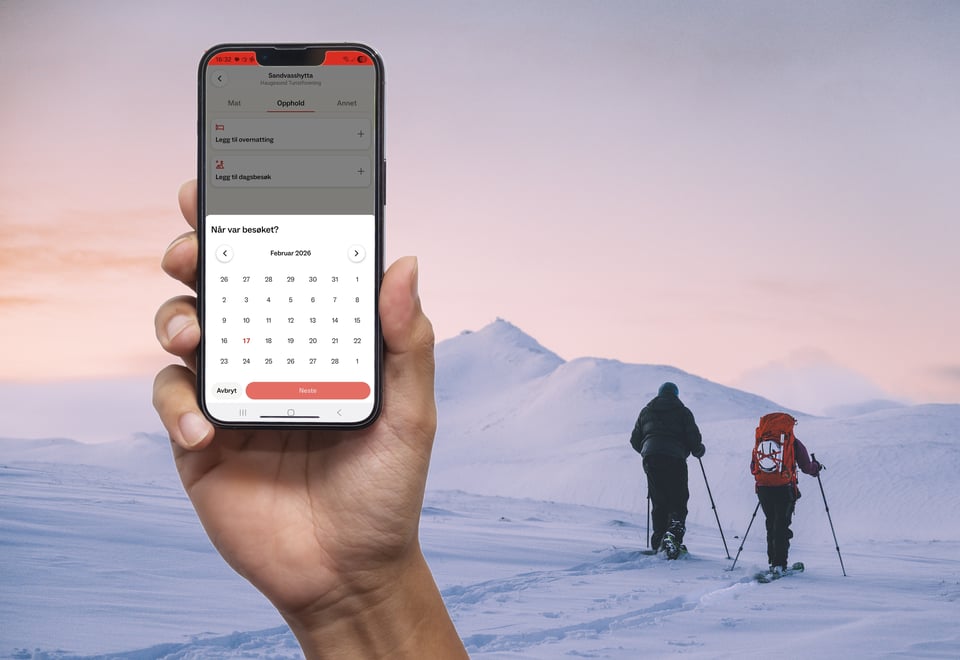
How to pay with your mobile phone at DNT cabins
When visiting a self-service or no-service DNT cabin, you can easily pay for accommodation and provisions using the DNT app. Here is our step-by-step guide.
1. Download the DNT app
Download the app before you leave or once you return from your trip. The app works offline, so you can use it at the cabin even without a mobile network.
Download the DNT app here
The DNT app is available for both iPhone and Android.
Here's how to get started:
- Download the app from the App Store or Google Play.
- Log in with your DNT account (or create a new account)
- Open the app at least once before the trip – then it will load cabins, goods and prices.
2. Open the app
The first time you open the app, the cabin and product registers are downloaded. This allows you to:
- View products and prices.
- Record your usage.
- Pay later if you are offline.
3. Select your cabin
- Find the correct cabin from the list in the app, then proceed to the provisions and accommodation section.
4. Register your stay and purchases
Enter the following:
- Accommodation (number of nights/people).
- Provisions (food items) you have used.
- Any other cabin-related products.
DNT uses standardized provisioning prices nd updated product lists are displayed directly in the app.
5. Complete the payment
- Payment is made directly in the app via card or Vipps.
- With coverage: Pay immediately.
- Without coverage: Register your items at the cabin and pay as soon as you are back online. This is our standard offline routine.
6. All set!
- You will receive a receipt in the app, and the payment is sent directly to the local association that operates the cabin.
Frequently Asked Questions
What if I don't have coverage at the cabin?
Register your stay and provisions in the app while at the cabin. Once you have a signal, simply open the app to complete the payment.
What if I don't have the app when I arrive?
Make a note of everything you use and download the app as soon as you have coverage. You can then register and pay for your visit.
Can I pay after I have left the cabin?
Yes. As long as you have registered your consumption, you can settle the payment in the app later.
What if I select the wrong item or cabin?
You can edit your list before you pay. If you have already completed the payment, please contact the local association for a correction.
How do I know that the payment has been registered?
Once the payment has been completed, you will find the receipt under "Payment History" in the app.
Can one person pay for the whole group?
Yes. Each person can pay individually, or one person can register and pay for the entire group.
Can I use the DNT app to pay at all self-service and no-service cabins?
No, the app is not yet available for all cabins. You can find specific information about payment methods for each cabin on their website at UT.no.
Useful Apps for Your Trip
DNT App
Access your membership card and pay for day visits, accommodation, and provisions.
UT
Norway’s premier trip planner. Find information on cabins, marked trails, cycling routes, and ski trips. You can also download maps for offline use.
Entur
Public transport made easy. Find travel options and buy tickets for trains and buses across Norway in one place.
Share article:
Share via email
See also
Become a volunteer

Become a volunteer
Become a member

Become a member
The cabin visit from A to Z

The cabin visit from A to Z
The various DNT cabins

The various DNT cabins