Wondering how to pay at DNT cabins or how the app works without mobile coverage? Here you will find answers to the most common questions regarding payment, provision prices, digital membership cards, and using the app while trekking.
The DNT app makes your cabin visit even easier. You can access your membership card and pay for both accommodation and provisions at self-service and no-service cabins directly from your phone.
This page contains everything you need to know about using the app before, during, and after your trip. You will find a simple guide on how to download the app, how payment works at unstaffed cabins, where to find updated prices, and what to do if you don't have coverage.
Download the DNT app here
The DNT app is available for both iPhone and Android.
Use the app to pay for stays at self-service and no-service cabins, as well as provisions (food) at self-service cabins. Simply select the cabin you are visiting, register your usage, and pay.
Have you pre-booked? If you booked in advance, your accommodation is already paid for. In this case, use the app only to register and pay for any provisions used during your stay.
2. Digital membership card
Your membership card is stored in the app and is always available, even when you are offline.
3. Using the app offline
The app works even without mobile coverage. You can register your items at the cabin and complete the payment once you are back online.
TIP: We strongly recommend opening the app and logging in before you head out into the wild!
How to pay at the DNT cabins
Open the app when you arrive at the cabin
Choose the right cabin
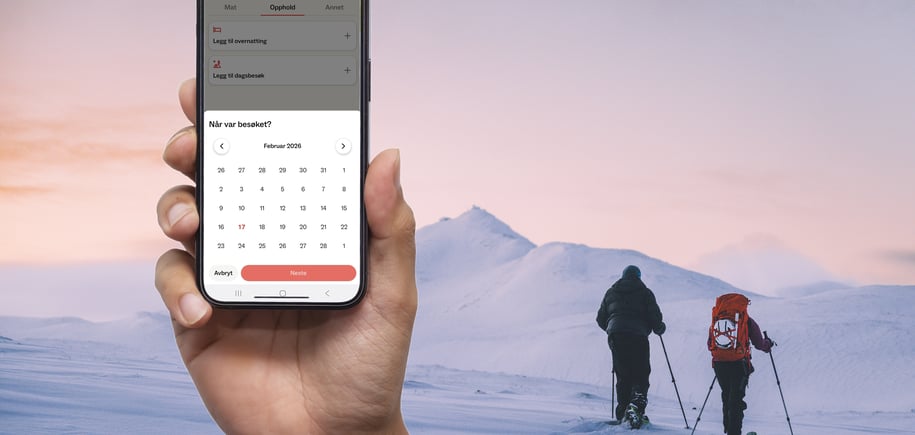
Register accommodation and provisions
Pay in the app, either right away or when you get coverage
Keep track of what you use if you lack coverage, and pay as soon as you are back online
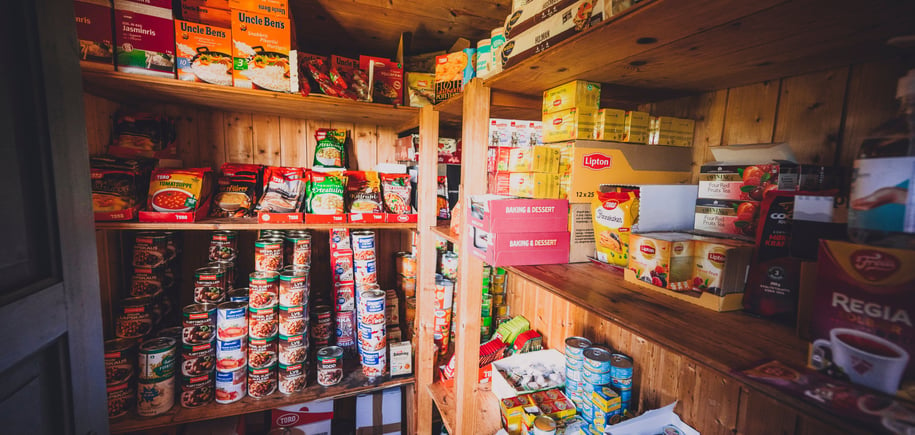
Check prices for provisions before your trip
Book in advance: We always recommend booking your stay ahead of time, as cabins may be fully booked.
Frequently asked questions about the DNT app
Can I pay without mobile coverage?
No, but even without coverage, you can register your stay and the items you wish to purchase. You can complete the payment once you are back online
Do I need to be a member to use the DNT app?
No, but the digital membership card is only visible when you are logged in as a member. Members also receive discounted rates on accommodation and provisions
What should I do if I make a mistake in the app?
You can edit your registration at any time before completing the payment. If you discover an error after payment, please contact the local trekking association responsible for the cabin.
Where can I find prices for food and provisions?
Updated prices can be found on our dedicated provisioning prices page for self-service cabins.
Where can I find my receipts?
All your receipts are stored under "Payment history" within the app.
Can I pay for provisions and accommodation without using the app?
The DNT app is the primary payment method for provisions at self-service cabins. If you are offline, you can register your consumption in the app and pay when you get coverage.
If you have pre-booked, your accommodation is already paid for.
At staffed lodges, you pay on-site using a card, Vipps, or cash.
What if I don't have a smartphone?
If you don't have a smartphone, please make a note of your consumption while at the cabin. After your trip, you must contact the association that owns the cabin to arrange payment. We recommend that at least one person in your group has the DNT app to simplify the process.